Tilt Sensor Build
Learning intention
We are learning to send different signals from a robot using a sensor.
We are learning to use an orientation sensor to send conditional messages from a robot to its base.
Success criteria
- I can put the tilt sensor arm on Milo the right way.
- I can see the numbers change when I move the arm.
- I can make a program that sends two different signals.
- I can attach the tilt sensor correctly and read its roll and pitch values.
- I can design a program that performs different actions depending on sensor state.
- I can explain how real-world rovers transmit data back to Earth.
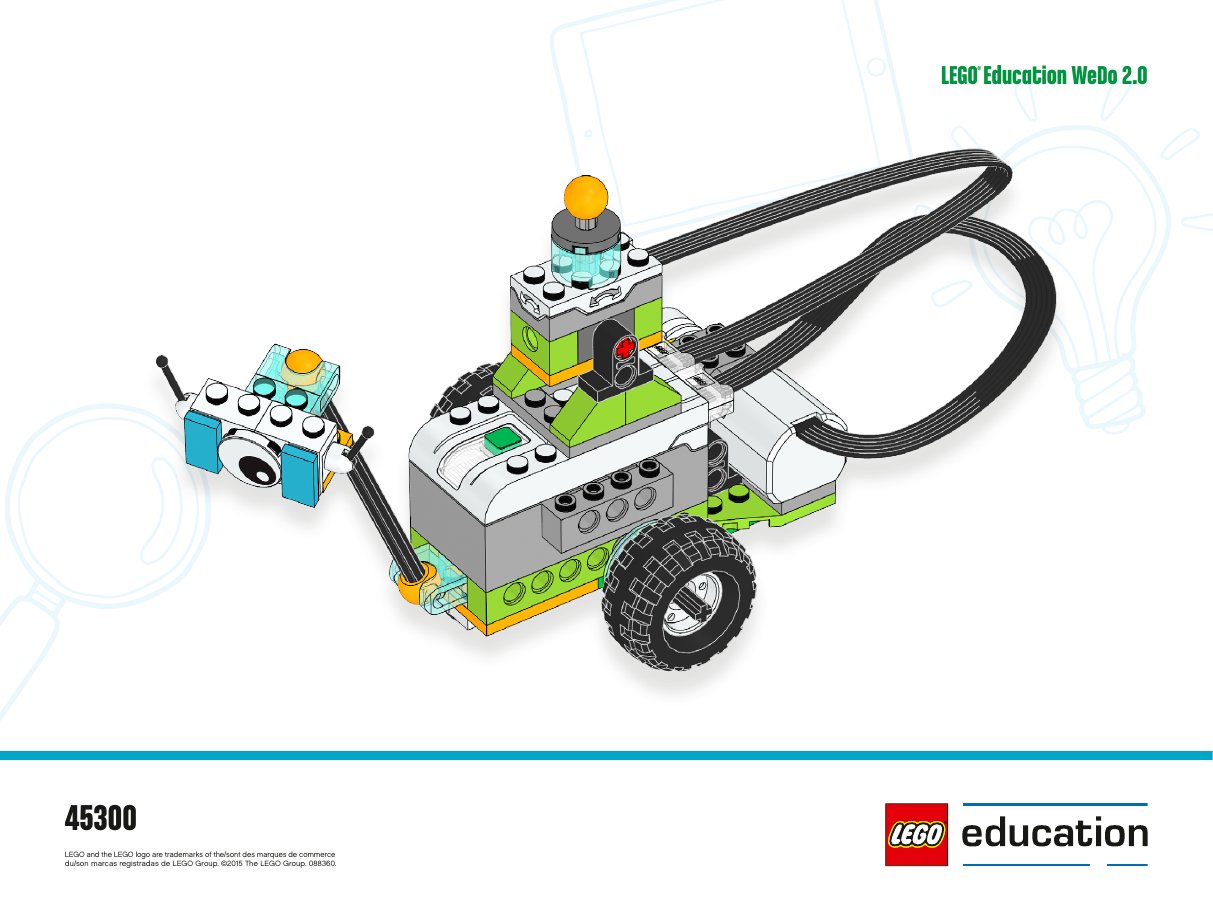
Our mission
Milo found the plant! Now he needs to tell Max and Mia back at base. We'll build a message arm with the tilt sensor. Tilt the arm one way and the hub flashes red. Tilt it the other way and a message pops up on the iPad.
Learning intention
We are learning to…
…send different signals from a robot using a sensor.
…use an orientation sensor to send conditional messages from a robot to its base.
Success criteria
I can…
- …put the tilt sensor arm on Milo the right way.
- …see the numbers change when I move the arm.
- …make a program that sends two different signals.
- …attach the tilt sensor correctly and read its roll and pitch values.
- …design a program that performs different actions depending on sensor state.
- …explain how real-world rovers transmit data back to Earth.
Step 1 · Explore
Talk about it: Why does a rover need to tell its results to the base? How do you think rovers talk to Earth? Think about Mars rovers and satellites in space.
Lesson: WeDo 2.0 Getting Started — Project C (~15 min).
Create: students build the tilt-sensor arm. Starter program: tilt down = red LED; tilt up = text message.
Share: students screenshot or sketch their final program.
Step 2 · Make it
Build the message arm using the steps below. Then open Send signals to make Milo report back. To see the live sensor numbers while you work, go to the Tilt Sensor page.
Step 3 · Share
Take a photo or draw a picture of your program. Think about: what two things does Milo tell Max and Mia? How do real rovers send messages to Earth?